proomt

Search

Search posts, papers, and topics

All posts

Mozilla Automation Team2 min readrelease notesintro

More modern. More flexible. Still Firefox.

Summary

Mozilla rolled out Firefox 157 with a refreshed UI across desktop and mobile, adding Compact Mode, a theme picker, and a customizable New Tab page. The redesign claims no performance impact while keeping Firefox's privacy focus.

  • Firefox 157 ships a unified design language for desktop and mobile browsers.
  • Compact Mode returns, shrinking tabs and toolbars with an auto-compact option for small screens.
  • A new theme picker lets users choose colors, wallpapers, and UI themes.
  • The New Tab page now supports pinned shortcuts for quick access.

Anyone building extensions or UI components for Firefox should note the layout changes that may affect sizing and theming.

3/10

Related reading

  1. High-speed Release Trains – These Weeks in Firefox: Issue 209

    Firefox 155 shipped via a new 2‑week release train; the week’s highlights include a WebExtensions theme API addition, multi‑context address bar in Nightly, DevTools stylesheet editing in the JS debugger, and extensive New Tab page UI/telemetry work (stocks widget, privacy widget, policy‑locked settings). The post also calls out many volunteer contributors and a handful of infrastructure tweaks (T…

    Mozilla Automation Teammozilla.org9 min
  2. Icons! Lots of them! – These Weeks in Firefox: Issue 206

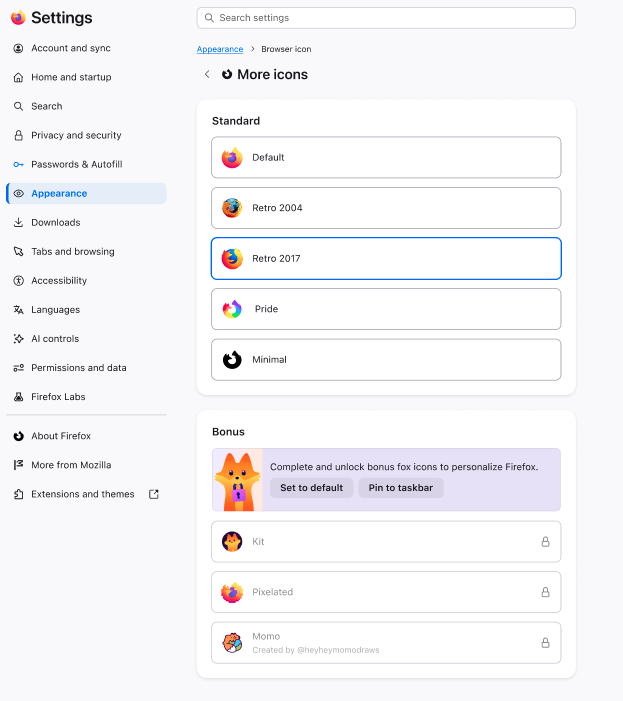
    Firefox 154 adds a Windows‑only UI to change the default browser icon, exposes a new Picture‑in‑Picture WebAPI, and ships a raft of small but concrete improvements across Add‑ons, DevTools, WebExtensions, WebDriver and the Rust‑based login storage component. Most changes are toggles or bug‑fixes (e.g., CSS handling in the Debugger, startup‑performance regression fix, storage.local auto‑reset, and…

    Mozilla Automation Teammozilla.org13 min