Mozilla Automation Team4 min readintermediate
AI on your terms: Firefox meets you where you are
Summary
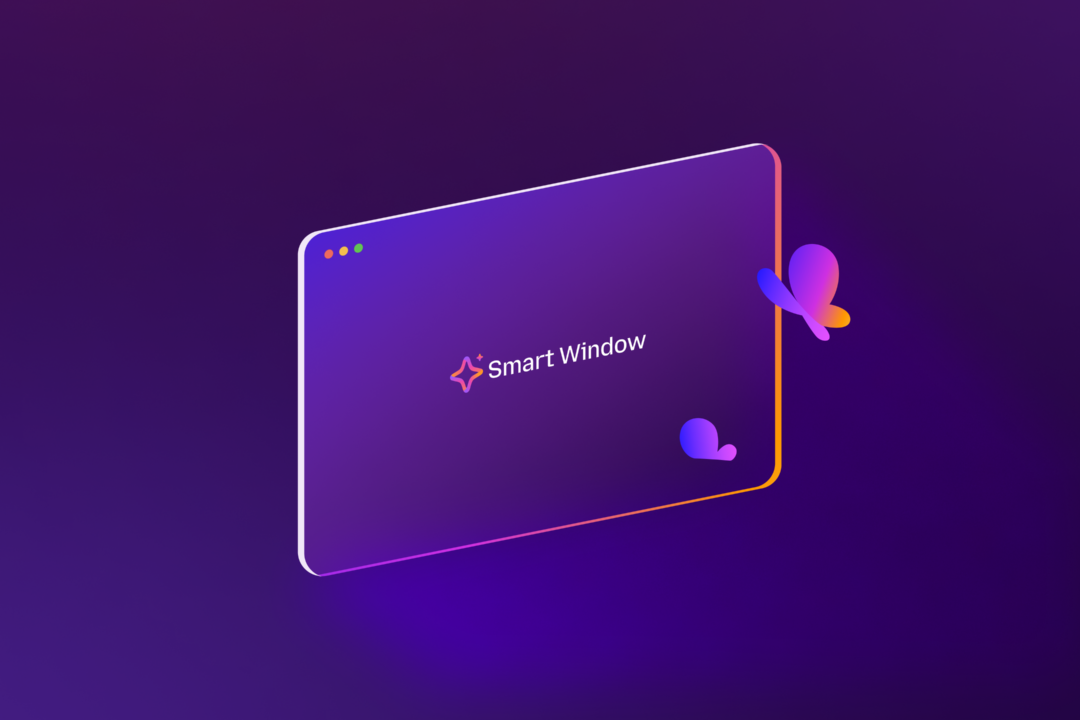
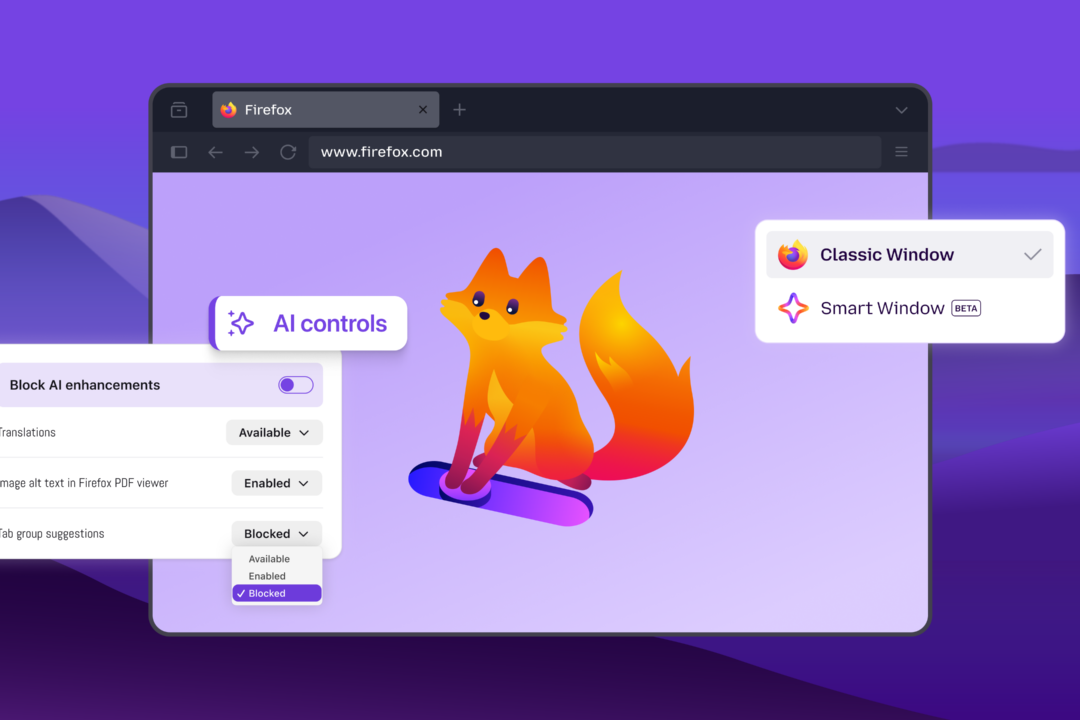
Firefox adds an AI Controls panel letting users toggle all current and future AI features, pick individual capabilities (translation, alt‑text, tab suggestions, link‑preview key points), and choose from multiple chatbot providers (Claude, ChatGPT, Gemini, Mistral) in a sidebar. The new Smart Window beta integrates an AI assistant that can read open tabs, browsing history, group related tabs, show…
- A single AI Controls toggle in General Settings disables all AI features, simplifying opt‑out.
- Per‑feature switches let users enable/disable AI translation, PDF alt‑text, tab suggestions, and link‑preview summarization.
- Built‑in sidebar supports multiple third‑party chatbots (Claude, ChatGPT, Gemini, Mistral) with easy provider switching.
- Smart Window beta offers an AI‑powered assistant that can access open tabs and history, auto‑group tabs, provide visual history previews, and show source citations via Exa.
Gives power users granular control over AI in the browser, addressing privacy concerns and avoiding vendor lock‑in while still offering productivity‑boosting AI assistance when desired.
5/10