Related reading
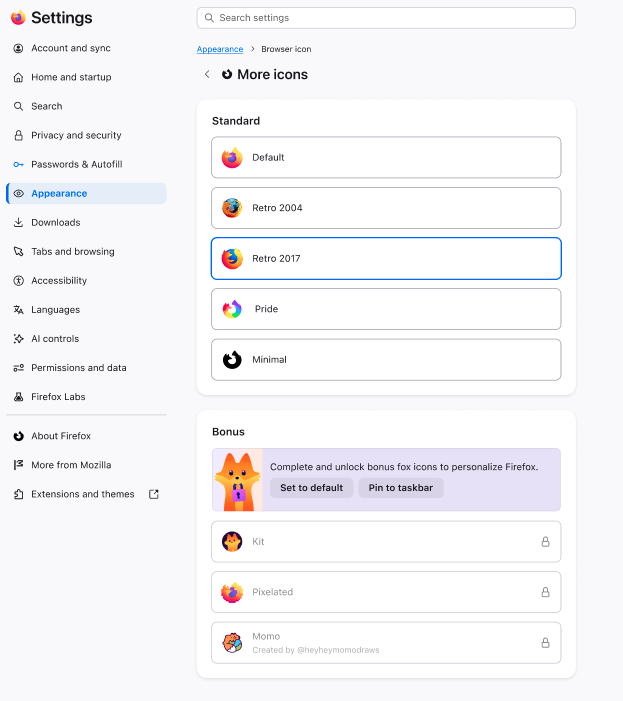
Icons! Lots of them! – These Weeks in Firefox: Issue 206
Firefox 154 adds a Windows‑only UI to change the default browser icon, exposes a new Picture‑in‑Picture WebAPI, and ships a raft of small but concrete improvements across Add‑ons, DevTools, WebExtensions, WebDriver and the Rust‑based login storage component. Most changes are toggles or bug‑fixes (e.g., CSS handling in the Debugger, startup‑performance regression fix, storage.local auto‑reset, and…
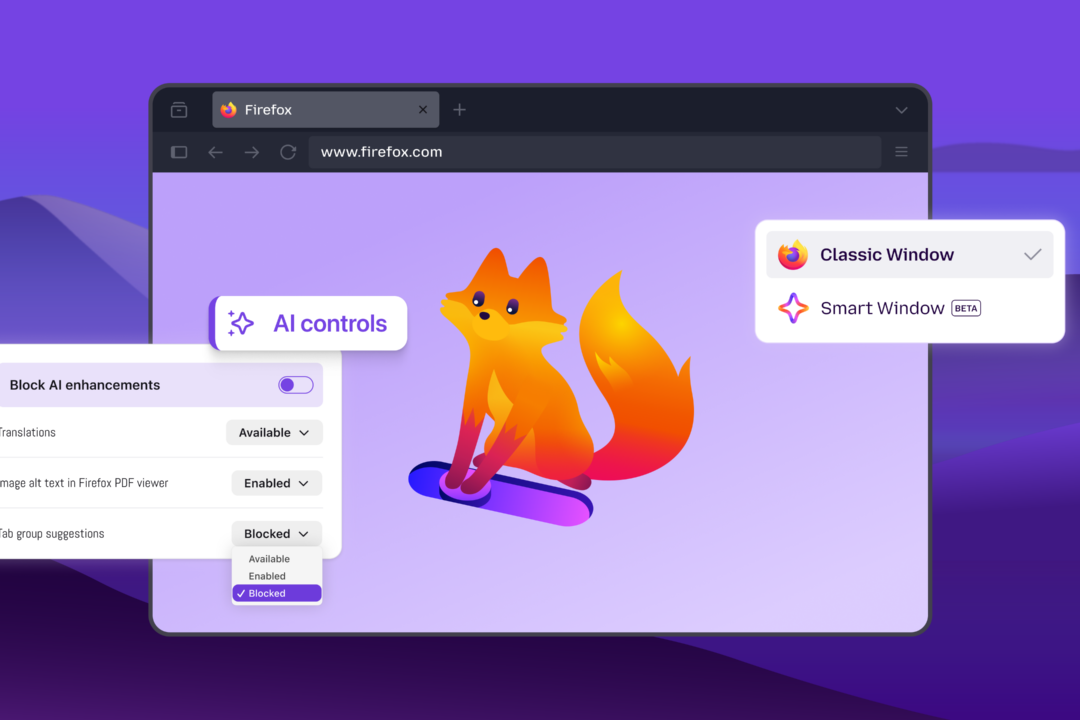
Mozilla Automation Teammozilla.org13 minAI on your terms: Firefox meets you where you are
Firefox adds an AI Controls panel letting users toggle all current and future AI features, pick individual capabilities (translation, alt‑text, tab suggestions, link‑preview key points), and choose from multiple chatbot providers (Claude, ChatGPT, Gemini, Mistral) in a sidebar. The new Smart Window beta integrates an AI assistant that can read open tabs, browsing history, group related tabs, show…
Mozilla Automation Teammozilla.org4 minHigh-speed Release Trains – These Weeks in Firefox: Issue 209
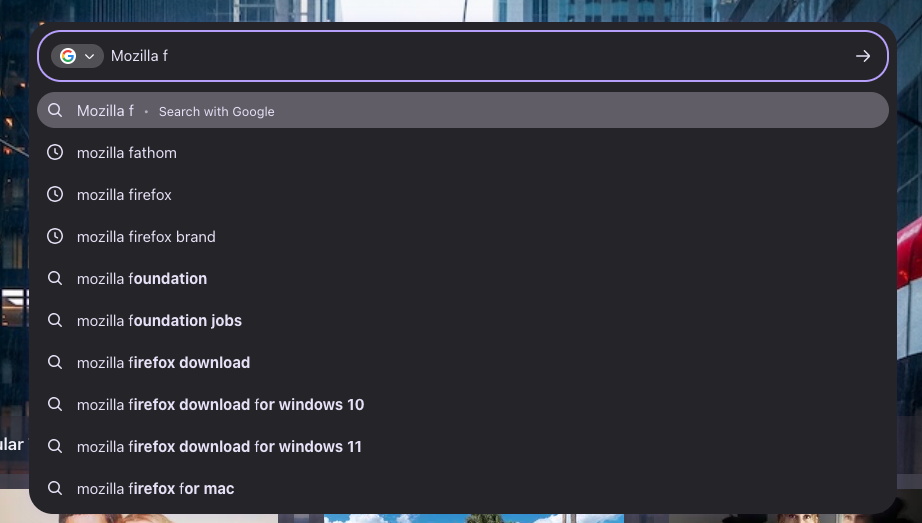
Firefox 155 shipped via a new 2‑week release train; the week’s highlights include a WebExtensions theme API addition, multi‑context address bar in Nightly, DevTools stylesheet editing in the JS debugger, and extensive New Tab page UI/telemetry work (stocks widget, privacy widget, policy‑locked settings). The post also calls out many volunteer contributors and a handful of infrastructure tweaks (T…
Mozilla Automation Teammozilla.org9 minSmart Window: Finish what you start online
Firefox’s Smart Window adds three new AI‑assisted features: inline answers with source links via Exa, automatic tab grouping with duplicate removal, and visual history previews. The beta is now rolling out to France, with privacy‑first controls remaining optional.
Mozilla Automation Teammozilla.org4 minreleaseHN2Can we make default Tailwind a more accessible choice?
The post examines Tailwind’s default rem‑based breakpoints, showing how they scale with a user’s root‑font‑size and can shift layouts, which helps some users but can break designs. It argues that pixel breakpoints remain a defensible alternative for preserving layout stability while still supporting accessibility.
Freek Van der Hertenfreek.dev1 minDesktop Calendar: A Design Journey
The Thunderbird Automation Team outlines the redesign of the desktop calendar UI, moving to a three‑pane layout (grid, navigation bar, collapsible sidebar) and updating dialogs for better visual hierarchy. Community feedback via surveys and TopicBox shaped the direction, and the new design will be rolled out incrementally for further testing.
Mozilla Automation Teamthunderbird.net5 minHN7327