proomt

Search

Search posts, papers, and topics

All posts

Mozilla Automation Team2 min readrelease notesintermediate
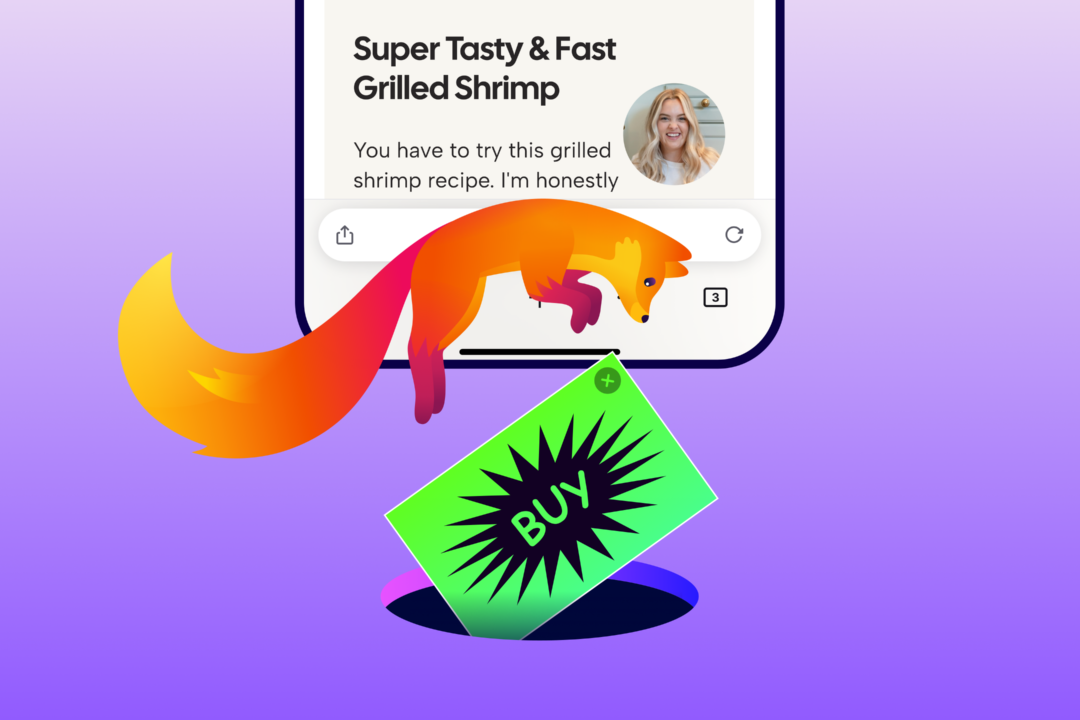
Introducing Ad Blocker for Firefox on iOS: More Control, Fewer Distractions

Summary

Firefox for iOS now ships an optional built‑in ad blocker that leverages Apple’s WebKit Content Blocker API and the EasyList filter list. It blocks many third‑party ads and ad‑related trackers before they load, but leaves first‑party ads, search‑result ads, and Firefox‑provided sponsored content untouched. The feature is off by default and can be toggled in Settings → Browsing → Ad Blocker, and i…

  • Implemented as a native feature using WebKit’s Content Blocker API; no separate extension required on iOS.
  • Relies on the EasyList filter list to identify third‑party ads and trackers.
  • Scope is limited: does not block first‑party ads, search‑result ads, or Firefox’s own sponsored shortcuts.
  • Off by default; users enable it via Settings → Browsing → Ad Blocker.

iOS restricts browser extensions, so integrating ad‑blocking directly into Firefox provides users with a privacy tool comparable to desktop/Android without requiring a separate add‑on ecosystem.

4/10


Related reading

  1. Extension starter pack

    A short promotional roundup of popular Firefox extensions – ad‑blocker, anti‑tracking, translation, YouTube tweaks, and tab management – with screenshots, install counts and brief feature blurbs.

    Mozilla Automation Teammozilla.org4 min
  2. High-speed Release Trains – These Weeks in Firefox: Issue 209

    Firefox 155 shipped via a new 2‑week release train; the week’s highlights include a WebExtensions theme API addition, multi‑context address bar in Nightly, DevTools stylesheet editing in the JS debugger, and extensive New Tab page UI/telemetry work (stocks widget, privacy widget, policy‑locked settings). The post also calls out many volunteer contributors and a handful of infrastructure tweaks (T…

    Mozilla Automation Teammozilla.org9 min
  3. Icons! Lots of them! – These Weeks in Firefox: Issue 206

    Firefox 154 adds a Windows‑only UI to change the default browser icon, exposes a new Picture‑in‑Picture WebAPI, and ships a raft of small but concrete improvements across Add‑ons, DevTools, WebExtensions, WebDriver and the Rust‑based login storage component. Most changes are toggles or bug‑fixes (e.g., CSS handling in the Debugger, startup‑performance regression fix, storage.local auto‑reset, and…

    Mozilla Automation Teammozilla.org13 min