proomt

Search

Search posts, papers, and topics

All posts

NeonCarlota Soto5 min readrelease notesintermediate

Just landed in the Neon CLI

Summary

Neon renamed its CLI to `neon` and added a suite of commands for agent onboarding, branch‑first development, diagnostics, credential management, schema diffing, API fallback, snapshots, auth, Data API, and a built‑in psql client. The post lists usage examples and flags for each new feature.

  • The CLI binary is now `neon` (npm package `neon`), with `neonctl` kept as an alias.
  • `neon init`, `neon mcp`, and `neon skills` provide one‑shot or granular agent setup (OAuth, MCP server, skill installation).
  • Branch‑first workflow commands: `neon link` (bind dir to project), `neon checkout <branch>` (pin branch and pull env), and `neon env pull` (populate .env, optionally per service).
  • `neon inspect db <check>` offers read‑only Postgres diagnostics (bloat, unused indexes, locks, etc.) for any linked branch or arbitrary URL.

The expanded CLI surface lets developers and coding agents operate entirely from the terminal, reducing context switches to the Neon Console and enabling automated CI/CD pipelines with fine‑grained credentials and branch‑scoped environment handling.

5/10
Related reading

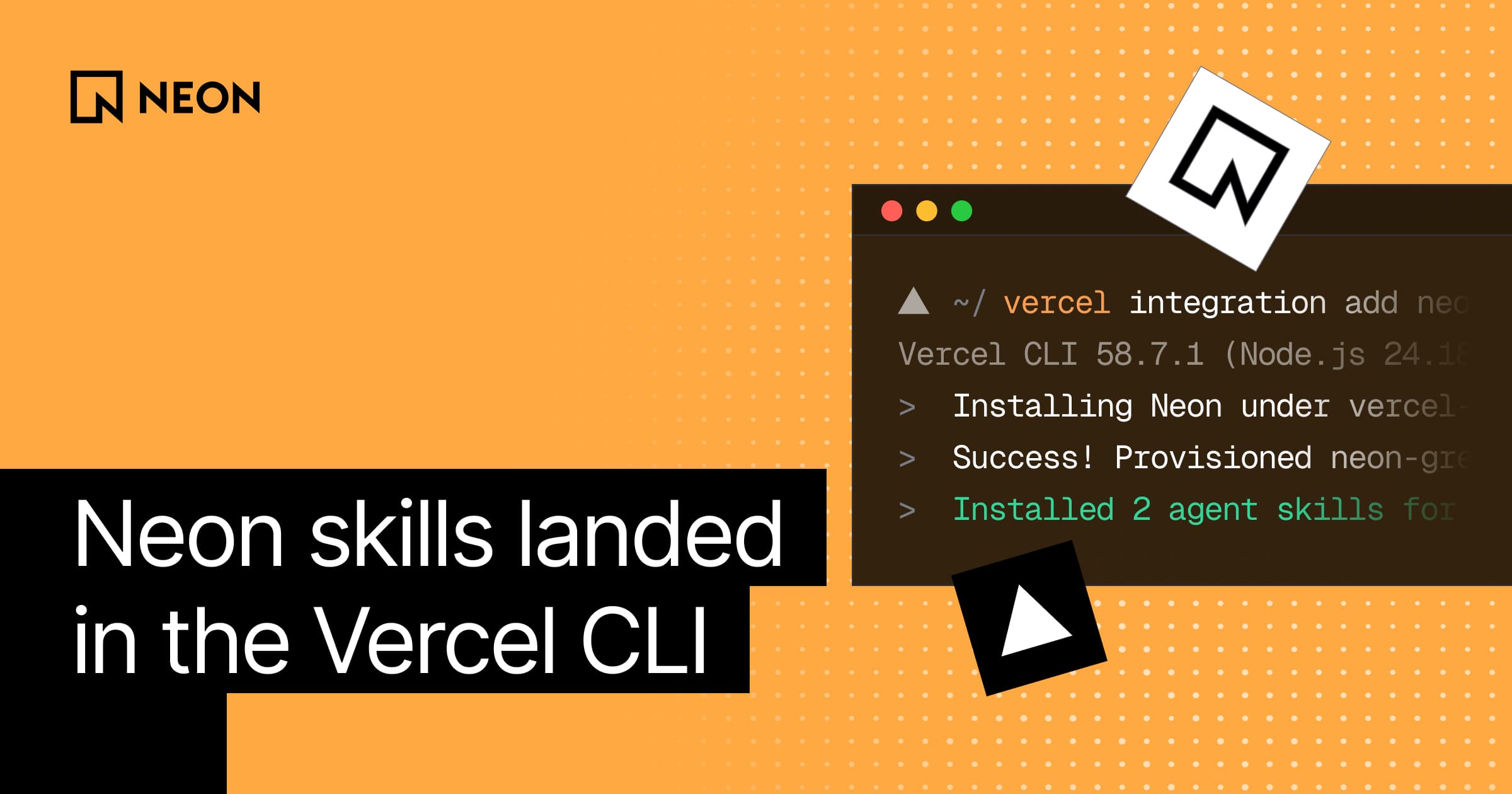
  1. Neon skills landed in the Vercel CLI

    Vercel CLI now integrates Neon, allowing users to provision a Neon database and install its agent skills with a single command. This streamlines database setup for Vercel projects, including automatic isolated branches for preview deployments.

    Neonneon.com4 minrelease
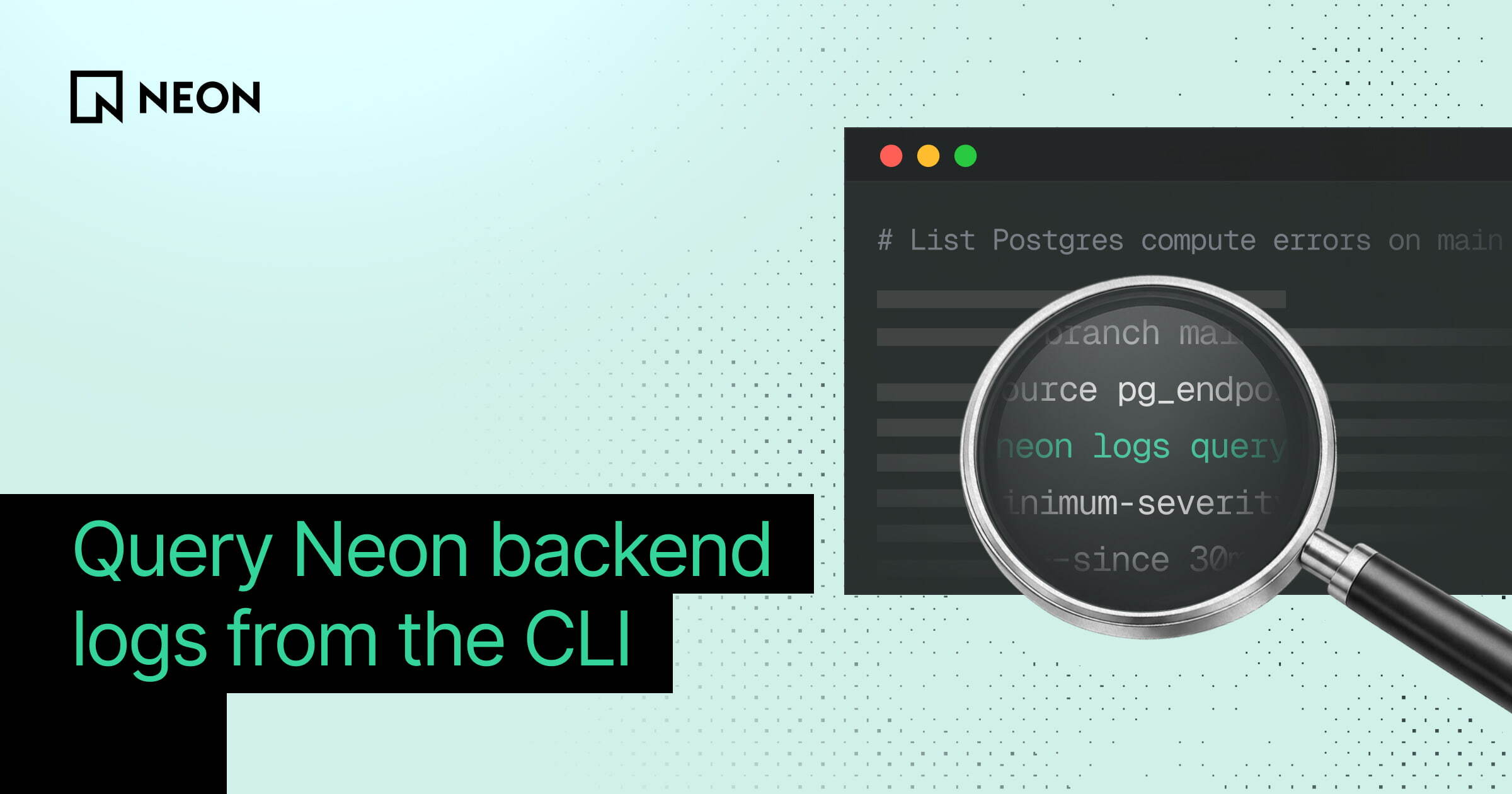
  2. Query Neon backend logs

    Neon has introduced new capabilities to query backend logs for Neon Functions and Object Storage outside of the console. This includes a new CLI, API, SDK, and direct Loki endpoint access, allowing unified log inspection across different backend services on a branch.

    Neonneon.com3 min
  3. Neon is now available in Grok Bot

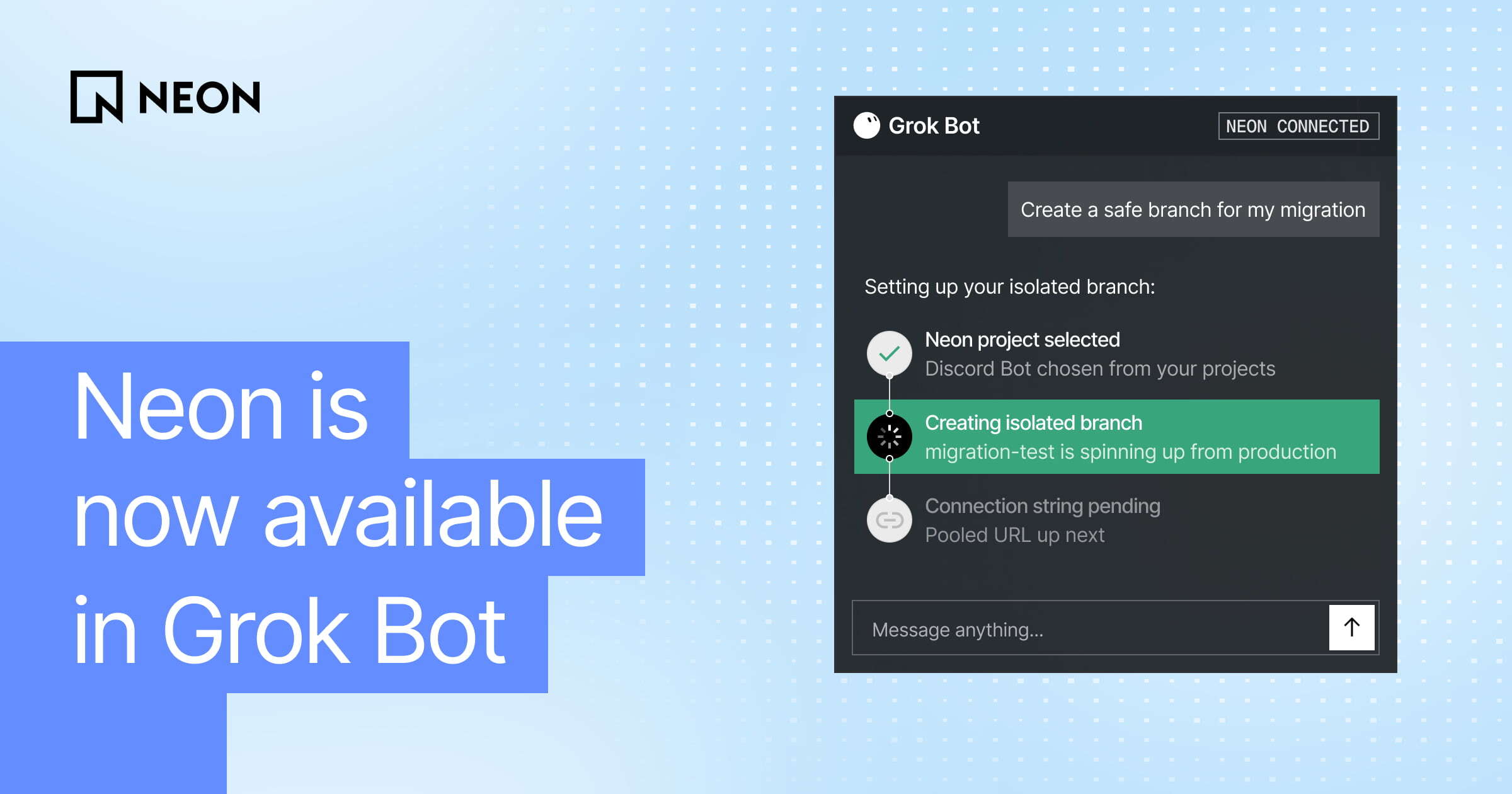
    Neon released a Grok Bot plugin that lets the AI assistant manage Neon PostgreSQL databases. After a one‑time auth, the bot can create projects, spin up isolated branches, run SQL, list databases, and set up usage‑summary routines directly from chat.

    Neonneon.com1 min
  4. Introducing Neon Labs

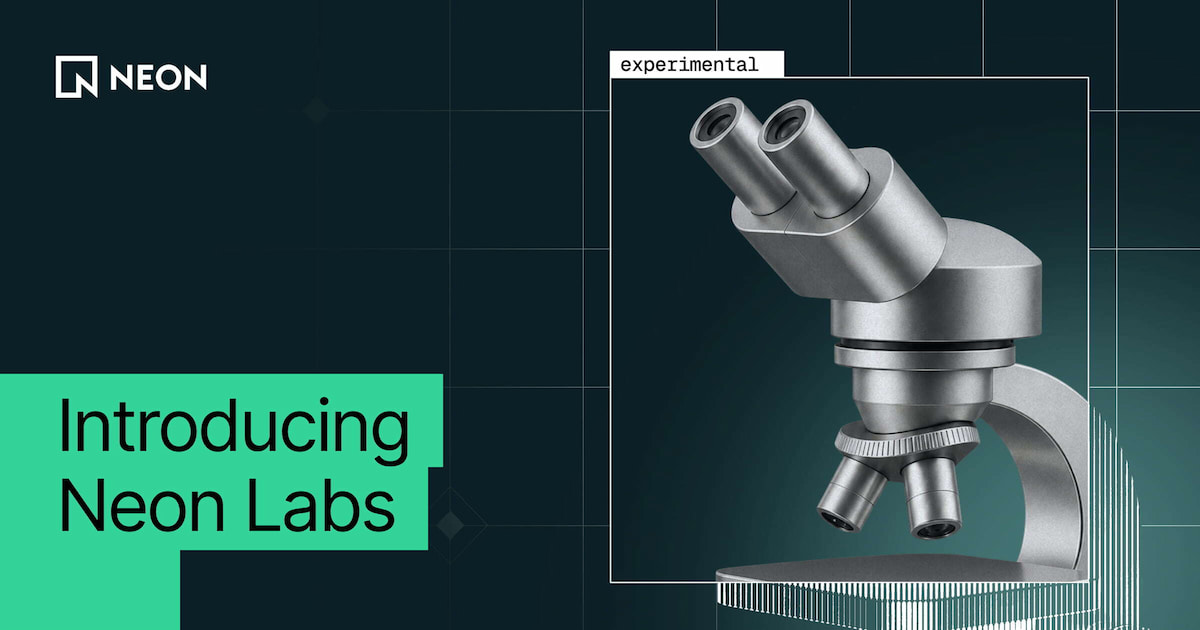
    Neon Labs is a new experimental web app (Next.js + TypeScript) that offers two PostgreSQL upgrade tools: a live‑catalog Upgrade Assessment that flags version‑specific blockers, and a Migration Assistant that auto‑generates import, pg_dump/restore, or logical‑replication pipelines based on DB size and downtime needs. The tools run read‑only against a Neon project, never expose connection strings,…

    Neonneon.com6 minrelease
  5. Neon Functions: backend logic next to your data

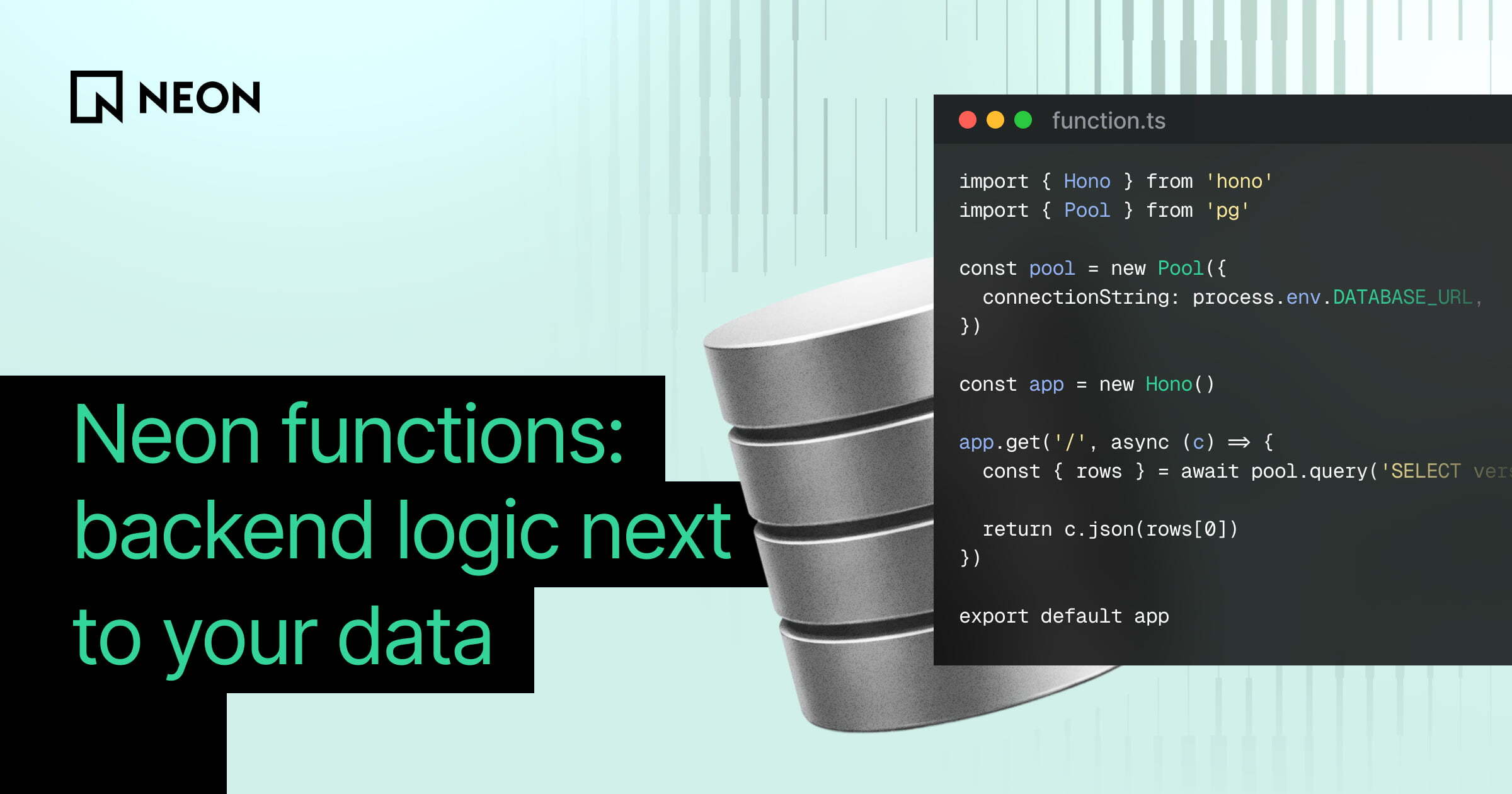
    Neon Functions are server‑less Node.js 24 compute that run on the same branch and region as Neon’s Lakebase Postgres, giving low‑latency DB access, long‑running connections for agents/WebSockets, automatic credential injection, and branch‑aware deployment via neon.ts. They’re meant for data‑adjacent backend logic, not full‑stack hosting, and future plans include native cron and event triggers.

    Neonneon.com5 min
  6. Neon for Herdr: A Neon pane in your Herdr workspace

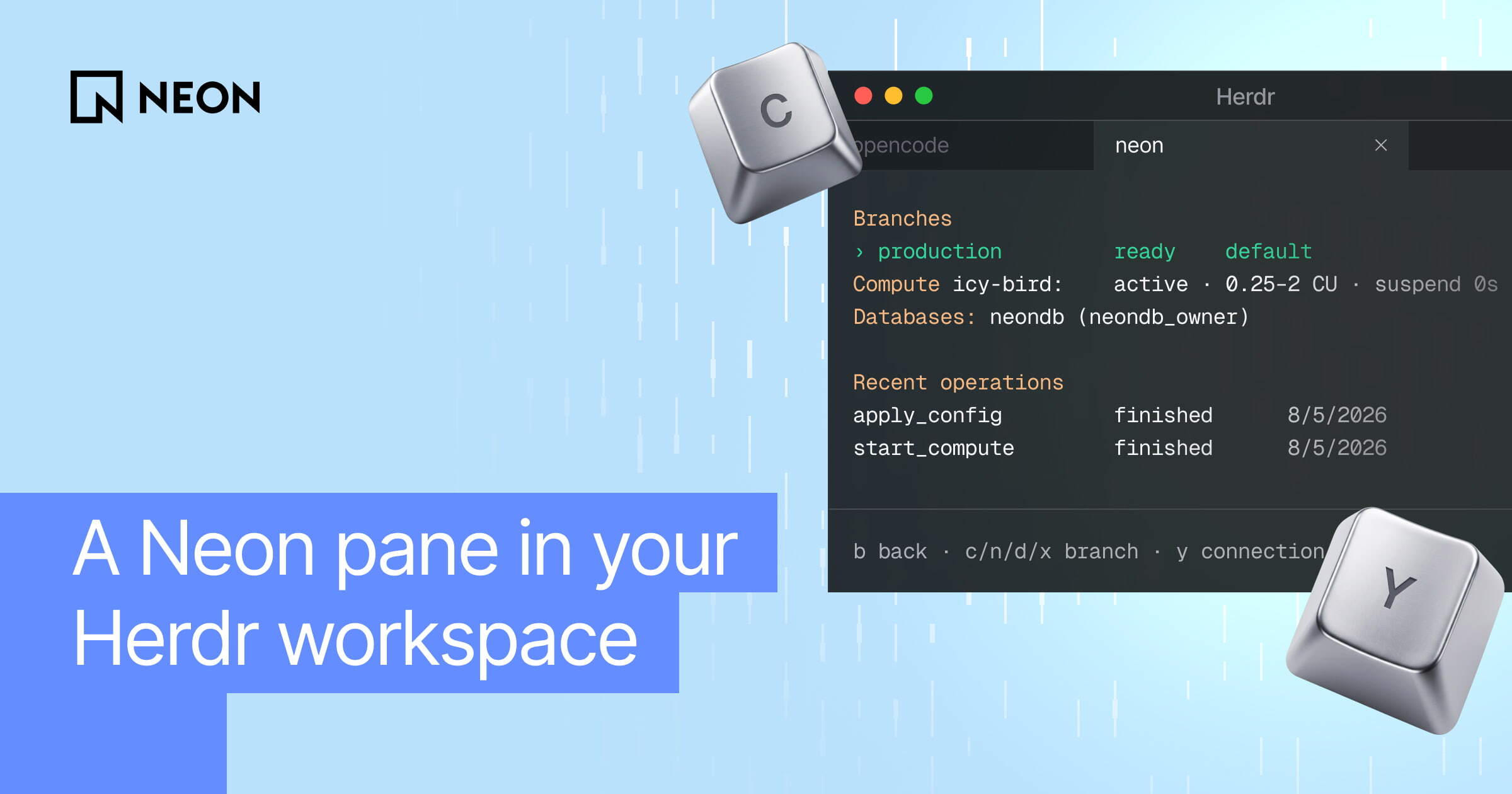
    Neon for Herdr is a new Herdr plugin that integrates Neon database management directly into your terminal workspace. It enables developers to create branches, manage computes, and retrieve connection strings without leaving their editor or shell.

    Neonneon.com5 minrelease