proomt

Search

Search posts, papers, and topics

All posts

Mozilla Automation TeamAly Blenkin2 min readintermediate

Desktop Settings: Removing technical jargon

Summary

Thunderbird’s Automation Team rewrote 250+ settings strings to plain language, ran user tests with new copy on Notifications, Appearance, and Composition, and achieved >80% comprehension and high confidence, though interaction mismatches remain.

  • Plain‑language copy raised purpose comprehension to 86‑100% across tested categories.
  • User confidence scores averaged 4.0‑4.4/5, showing users felt able to change settings without help.
  • Interaction design still needs work; checkboxes confused users where toggles were expected.
  • Auditing all content for 8th‑grade readability exposed outdated or overly technical phrasing.

UX designers and product engineers building settings panels should see how systematic copy audits and simple user testing can measurably improve usability.

6/10

Related reading

  1. Desktop Calendar: A Design Journey

    The Thunderbird Automation Team outlines the redesign of the desktop calendar UI, moving to a three‑pane layout (grid, navigation bar, collapsible sidebar) and updating dialogs for better visual hierarchy. Community feedback via surveys and TopicBox shaped the direction, and the new design will be rolled out incrementally for further testing.

    Mozilla Automation Teamthunderbird.net5 minHN7327
  2. The Road to Better Performance Profiles – Part 2

    Mozilla’s Automation Team added native system‑wide profiling to their CI pipelines for Speedometer 3 on Windows, macOS, Linux, and Android, using xperf, perf, and simpleperf together with the samply toolchain, and modernized the mozgeckoprofiler symbolication stack by replacing the legacy Eliot service with samply and profiler‑edit.

    Mozilla Automation Teammozilla.org5 min
  3. The top AI text generators in 2026

    Zapier’s 2026 roundup treats AI text generation as a ubiquitous feature rather than a standalone product. It explains that modern LLMs with long context windows have pushed dedicated generators into niche roles (marketing, SEO, agents) and then surveys the most useful built‑in generators across email (Gmail Gemini, Outlook Copilot), document suites (Google Docs, Microsoft Word, Notion), chatbots…

    Zapier Engineeringzapier.com9 min
  4. AI on your terms: Firefox meets you where you are

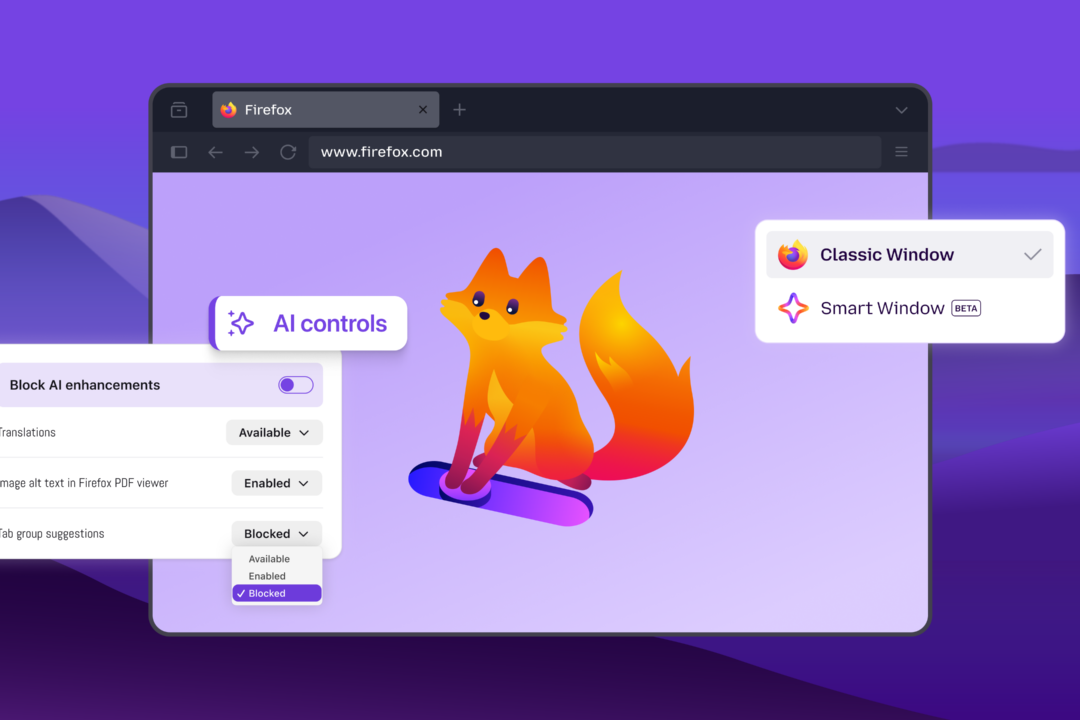
    Firefox adds an AI Controls panel letting users toggle all current and future AI features, pick individual capabilities (translation, alt‑text, tab suggestions, link‑preview key points), and choose from multiple chatbot providers (Claude, ChatGPT, Gemini, Mistral) in a sidebar. The new Smart Window beta integrates an AI assistant that can read open tabs, browsing history, group related tabs, show…

    Mozilla Automation Teammozilla.org4 min
  5. Fill an SMS Verification Code Without Reading the Inbox

    Codename One adds a one‑time‑code autofill component that leverages iOS, Android, and browser autofill APIs, eliminating the need for SMS‑reading permissions. The new `PhoneVerification` component handles phone entry, code entry, resend timing, and server callbacks, while the UI uses a single hidden editor to back six visual boxes, improving typing, paste, and accessibility. The post explains the…

    CodeName Onecodenameone.com3 min