proomt

Search

Search posts, papers, and topics

All posts

VercelChris Tate1 min readrelease notesintro
Give your eve agent a browser

Summary

Vercel released the @agent-browser/eve extension, giving Eve agents full browser automation capabilities inside their sandbox. It adds installable tools for navigation, interaction, and screenshots, with domain allowlists and credential protection.

  • Install the extension with `pnpm add @agent-browser/eve` and mount it under `agent/extensions/` in your Eve project.
  • The extension registers namespaced tools such as `browser__navigate`, `browser__click`, `browser__fill`, and `browser__screenshot` that the agent can invoke.
  • Chromium runs inside the Eve sandbox, isolated from your app; pre‑install it in the sandbox template to avoid cold starts.
  • You can restrict navigation with `allowedDomains` and cap output size via `maxOutputChars`, limiting what the agent can fetch.

Teams building Eve-powered AI agents that need to browse the web should care, as this adds safe, sandboxed browser tooling.

5/10

Related reading

  1. Vercel Sandbox now supports Devin Outposts

    Vercel Sandbox adds support for Devin Outposts, letting each AI agent session run in an isolated microVM with snapshot state and firewall controls. Teams can deploy via a provided quickstart and get automatic credential handling.

    Vercelvercel.com1 minrelease
  2. The skills CLI now supports Notion hosted skills

    Vercel’s `skills` CLI (v1.7.0) now lets you install agent skills directly from Notion pages or shared Notion skill packs. Use `npx skills add notion` to browse packs, or `npx skills add <PAGE_URL>` for a single skill. Authentication is handled via the `ntn` CLI, which requires a Notion personal access token. Permissions follow Notion’s page sharing model, so only users with view access can instal…

    Vercelvercel.com1 minrelease
  3. WebMCP support now available in mcp-handler

    Vercel's mcp-handler 2.2.0 adds experimental WebMCP support, letting you expose registered MCP tools to in‑browser agents via a single script tag. The script proxies tool calls back to your MCP server with the signed‑in user’s credentials, so no extra OAuth flow is needed.

    Vercelvercel.com1 minrelease
  4. Introducing the DevOps Agent Kit

    The DevOps Agent Kit is an Apache‑2.0 open‑source starter kit that lets you plug an LLM‑based coding assistant into your existing CI/CD, security, and feature‑flag tooling via CloudBees Unify. It ships with seven read‑only example skills, enforces RBAC and audit trails, and normalises data from up to 63 tools so the agent can answer a single “are we good to ship?” question with verifiable evidenc…

    Codeshipcloudbees.com5 min
  5. AI on your terms: Firefox meets you where you are

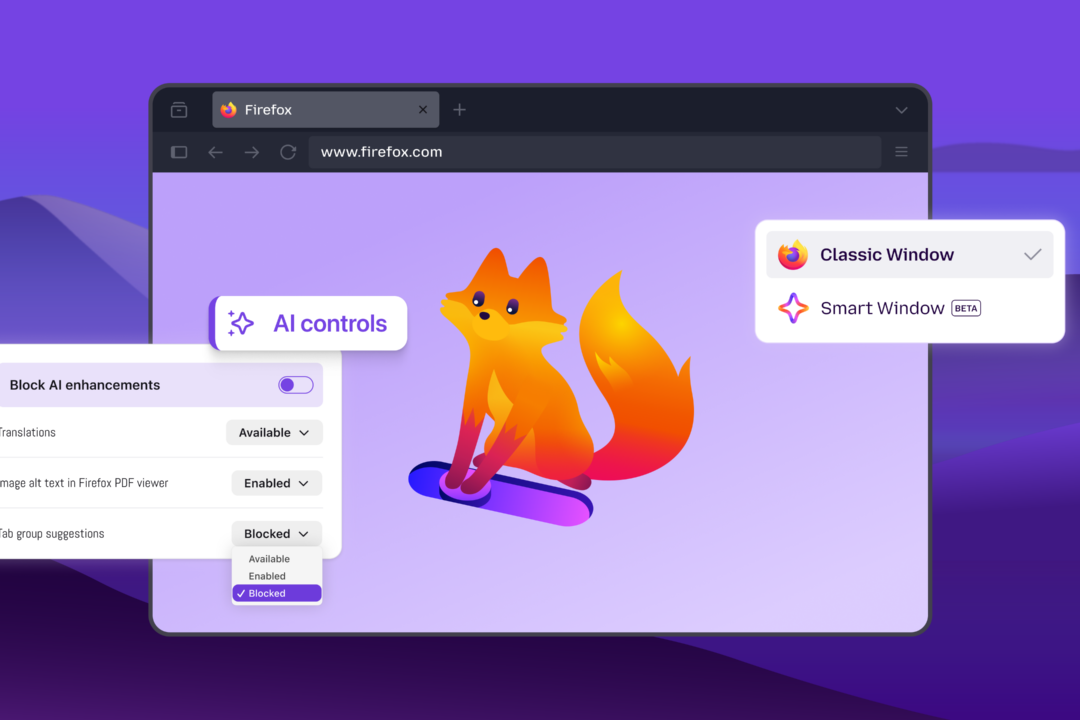
    Firefox adds an AI Controls panel letting users toggle all current and future AI features, pick individual capabilities (translation, alt‑text, tab suggestions, link‑preview key points), and choose from multiple chatbot providers (Claude, ChatGPT, Gemini, Mistral) in a sidebar. The new Smart Window beta integrates an AI assistant that can read open tabs, browsing history, group related tabs, show…

    Mozilla Automation Teammozilla.org4 min
  6. Agent Anomaly Detection, now in Private Preview on the Gemini Enterprise Agent Platform

    Google’s Gemini Enterprise Agent Platform now offers a private‑preview Agent Anomaly Detection service that asynchronously analyzes agents’ OpenTelemetry traces and logs to flag risky behavior (e.g., tool misuse, privilege abuse) without adding latency, surfacing findings in Security Command Center and via an API for automated mitigation.

    Google Developersgoogleblog.com4 min