Hacker News front page1 min readtutorialintro
Turn off and restrict access to Apple Intelligence features on Mac
Summary
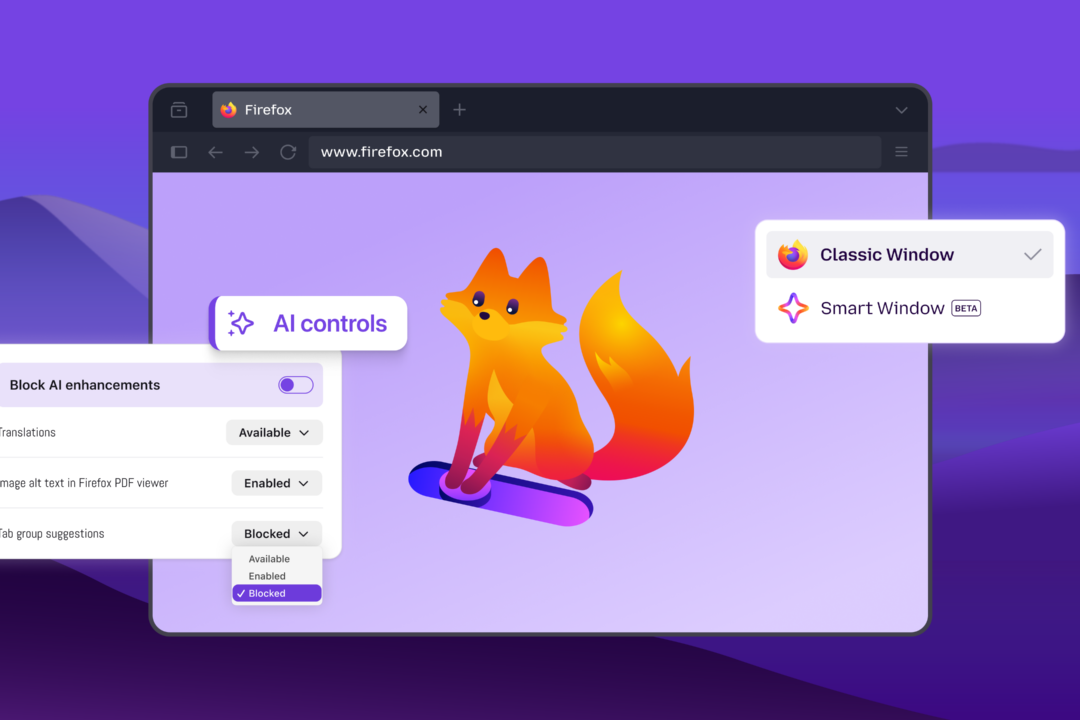
Apple provides a set of steps to disable its new Apple Intelligence features—Siri AI, message/email summaries, notification summaries, smart replies, and more—via System Settings, app preferences, or Screen Time. Disabling these reduces data collection and lets parents restrict AI features on child devices.
- Turn off Siri AI (Beta) in System Settings > Siri and confirm the toggle.
- Disable message, email, and notification summaries in the respective app Settings panels.
- Switch to Siri Classic if you still want basic voice assistant functionality.
- Turn off personalized smart replies and voicemail suggestions in Mail and Phone app settings.
Anyone concerned about privacy or needing parental controls on macOS should know how to disable these AI‑driven features.
4/10