Gleb Bahmutov7 min readintermediate
Cypress Cloud Test Triage Using AI
Summary
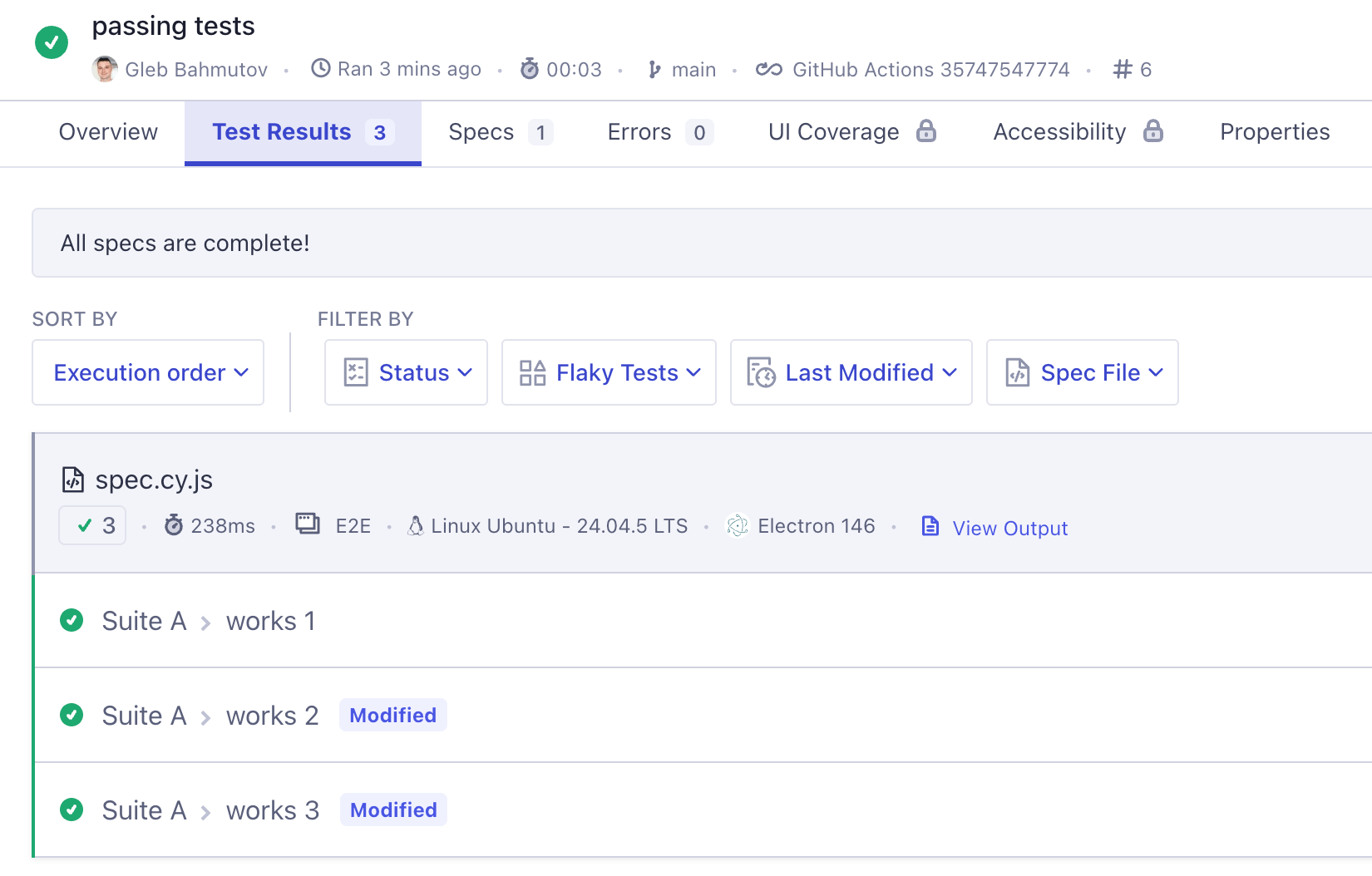
The post shows how to use Cypress Cloud’s CLI to fetch recent test run data, then script a simple triage that identifies tests that failed in the latest run and also failed previously. It walks through installing the CLI, querying runs and tests, and provides a Node script (triage.js) that automates the comparison, with a brief note on using AI to explore results.
- Cypress Cloud CLI returns JSON, making it easy to pipe into scripts or other tools.
- You can filter runs by status, limit, and project ID to focus on recent failures.
- Test IDs change per run; matching on the hierarchical testName (suite > test) is a reliable way to correlate failures across runs.
- A short Node script can fetch the latest run number, list failed tests, fetch the previous run’s failures, and report intersecting titles.
Automating test‑failure triage saves developers time by surfacing regressions that are truly new versus flaky or already‑known issues, and the JSON output lets you integrate Cypress results into CI dashboards, chat bots, or AI assistants without manual UI navigation.
6/10